Deleting Customer Channel
You can delete a customer channel. This action removes all entities deployed under the channel including customers, services and SIP Connections.
| ● | Remove all attached services or move them to another channel prior to removal. |
| ● | For Operator Connect services, prior to deleting the channel ensure you unassign any attached leads (see Remove (Unassign) Lead from Channel). |
| ➢ | To delete a customer channel: |
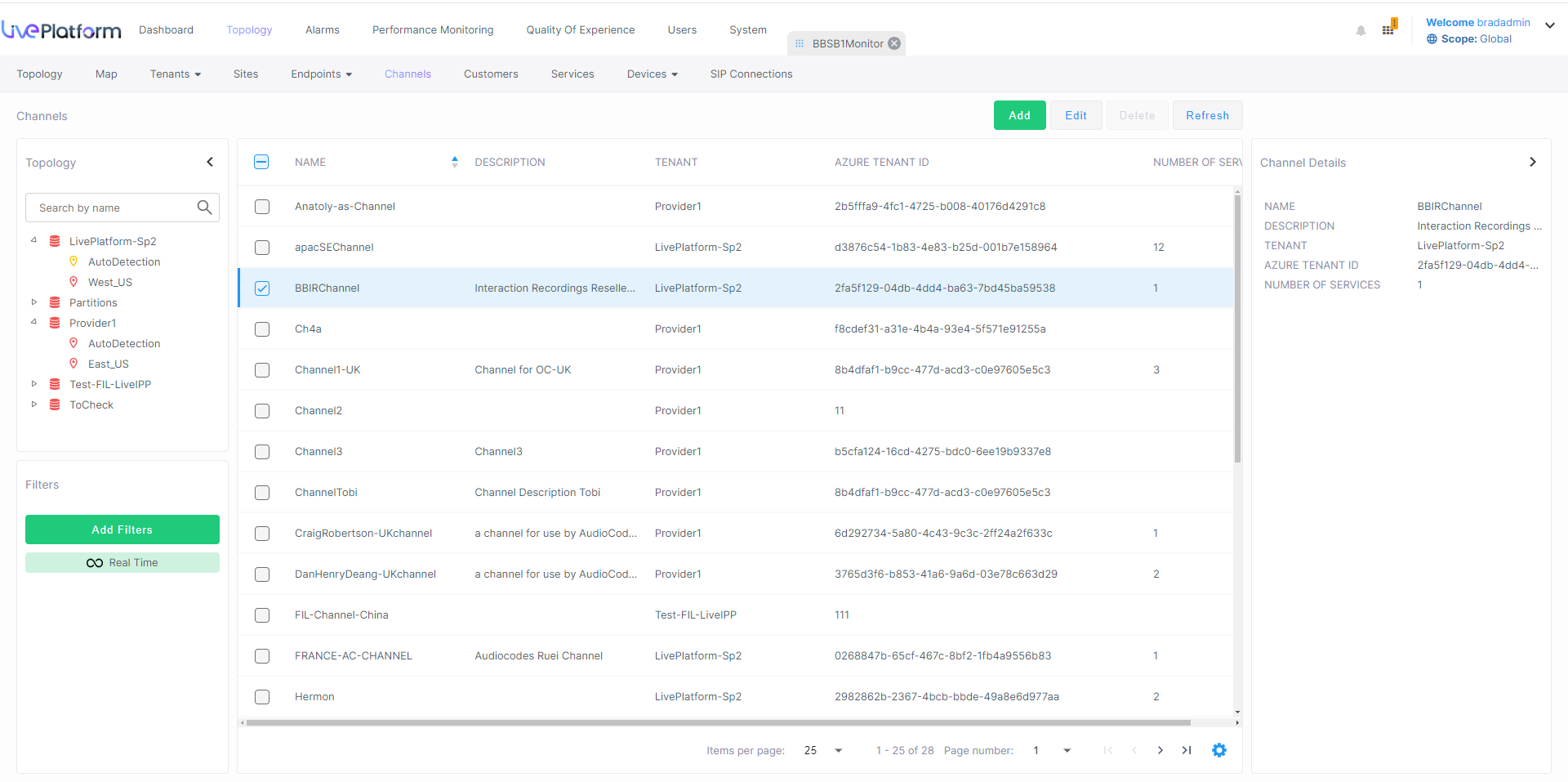
| 1. | In the Menu bar, choose Topology and then select Channels |
 .
.
| 2. | Select the channel that you wish to delete and then click Delete. |
A confirmation dialog is displayed.
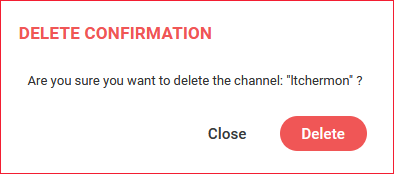
| 3. | Click Delete to confirm. |